Active Sessions
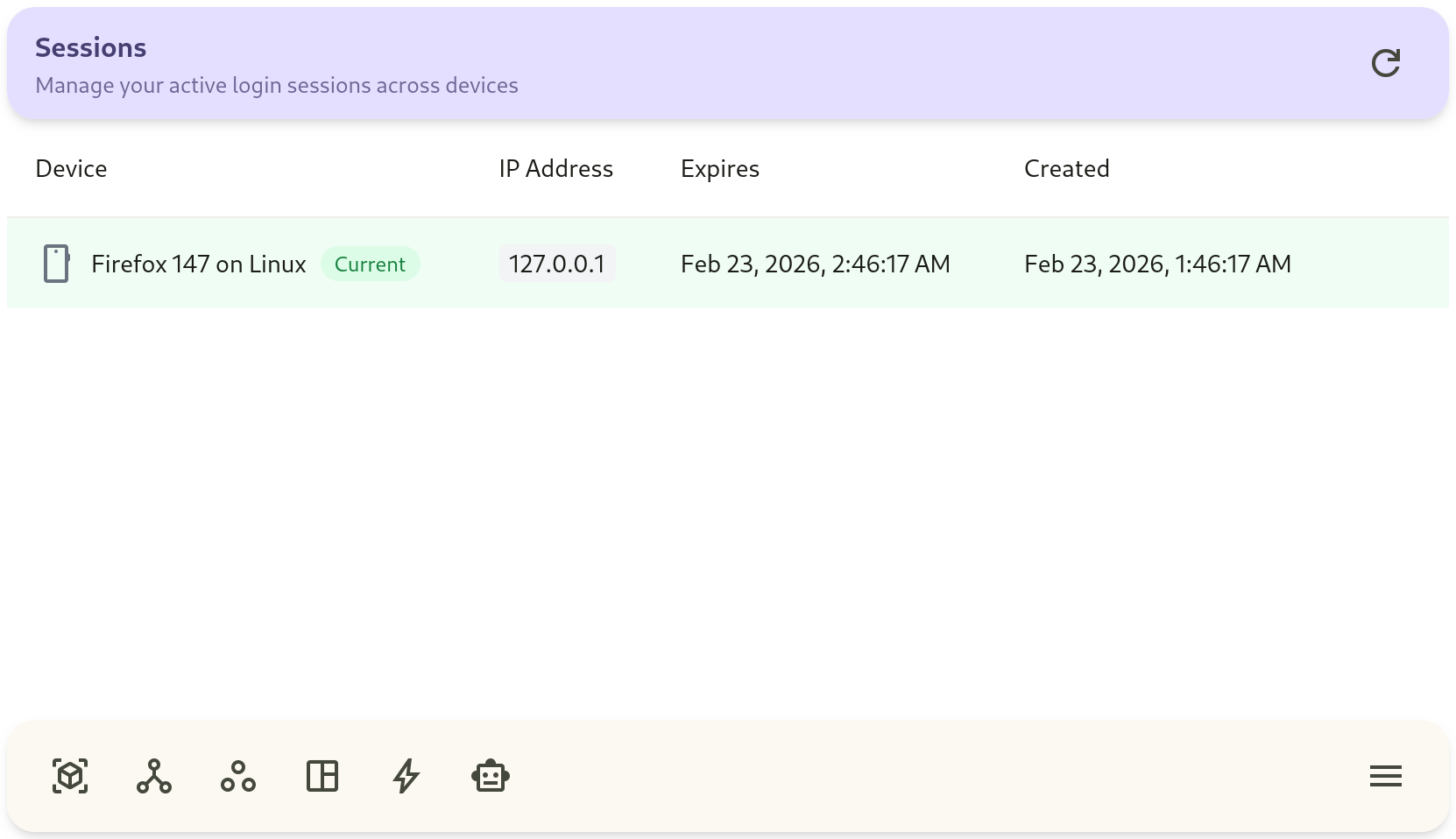
The Sessions interface provides security visibility into all active web browser and mobile app sessions authenticated to your account and project.
1. Managing Active Sessions
Section titled “1. Managing Active Sessions”- Navigate to Project Settings → Sessions (or Account Settings).
- Review the list of active sessions:
- IP Address & Location: Identifies the client network address.
- Device & Browser User-Agent: Displays device type (e.g. Chrome on Linux, Android App).
- Last Active Timestamp: Shows recent activity recency.
- Revoke Session: Click Revoke next to any session to immediately terminate authentication tokens for that client.