Common Issues
This page focuses on common user-facing issues observed in daily operations.
No Access to a Section
Section titled “No Access to a Section”- Confirm your role includes required permissions.
- Confirm you are in the correct project.
- Ask project owner/admin to review role resource restrictions.
Import Failures
Section titled “Import Failures”- Check CSV structure and row values.
- Use import result errors (row/column/message) to fix data.
- Re-import corrected rows.
Automation Not Triggering
Section titled “Automation Not Triggering”- Validate trigger type and template scope.
- Re-check conditions and unary operators.
- Confirm notification channel configuration and run channel test.
Assistant Request Fails
Section titled “Assistant Request Fails”- Confirm active authenticated session.
- Check available AI credits.
- Review the AI credit indicator in the Assistant top toolbar (battery icon).
- Open Billing Insights for current usage and limits.
- Retry with a shorter and more specific prompt.
- Verify backend assistant services are available.
Quota or Billing-Related Behavior
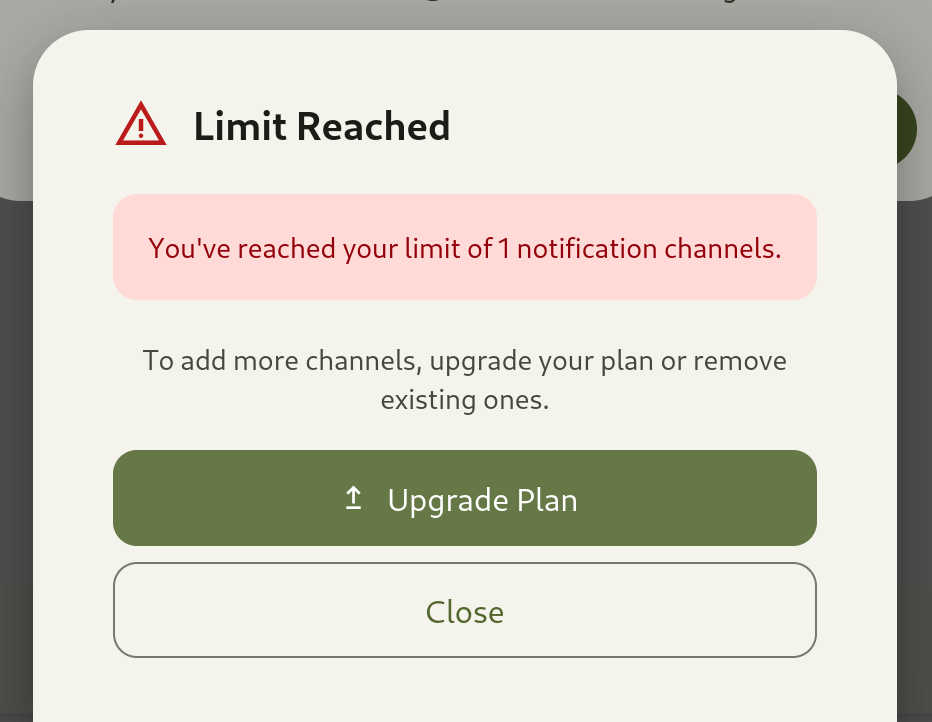
Section titled “Quota or Billing-Related Behavior”- Review billing usage insights and current tier.
- Coordinate plan updates if required by usage volume.