
Quick Start
This guide is for users who want fast activation without learning everything first.
Workflow (10–15 Minutes)
Section titled “Workflow (10–15 Minutes)”- Create or open a project.
- Create attributes (for example: Name, Status, Amount, Due Date).
- Create a template and attach those attributes.
- Create your first entities from the template.
- Open entity search and apply filters.
- Open entity history and chart tabs.
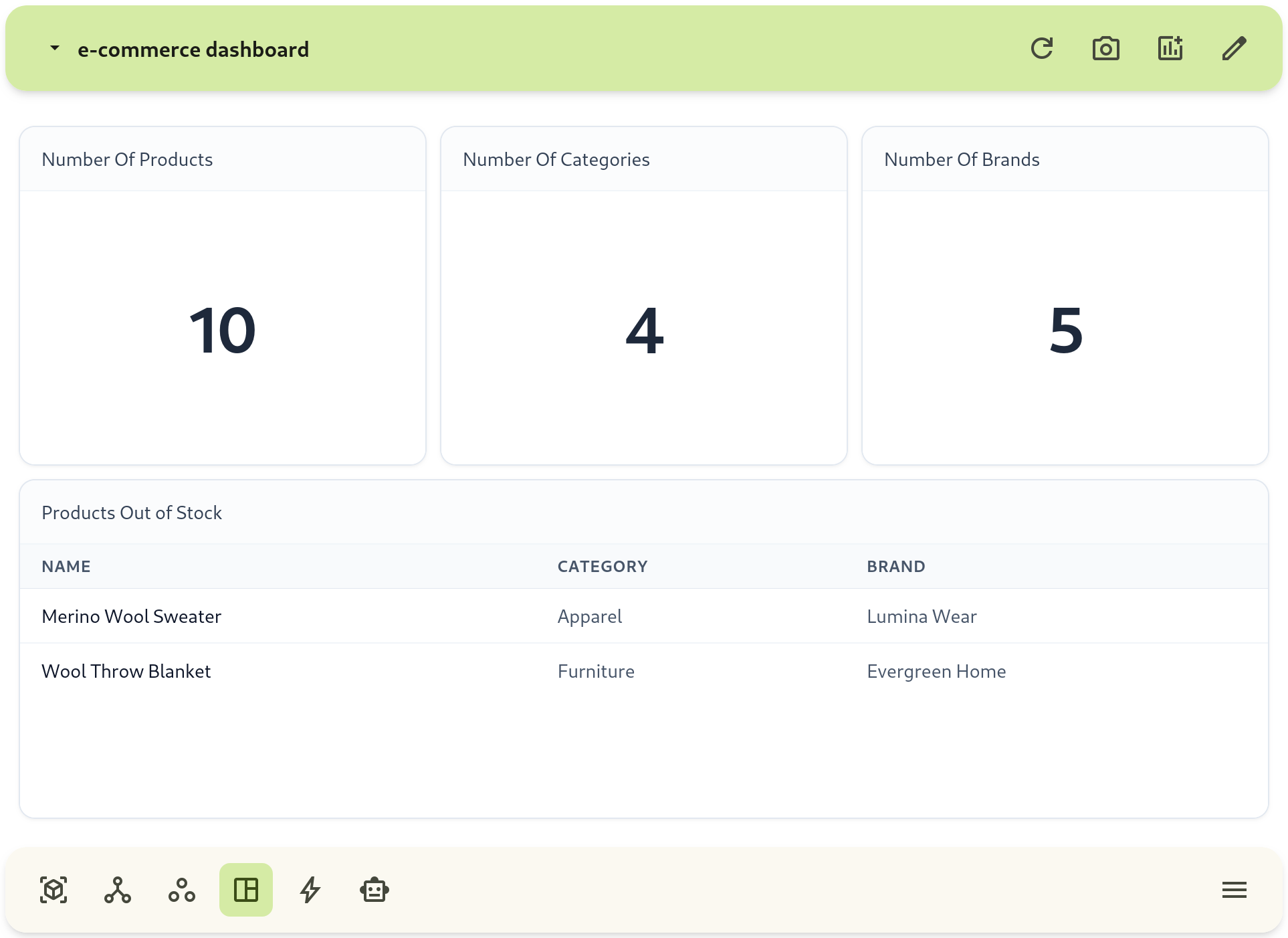
- Create a dashboard and add your first block.
- Start with a small template and evolve it after real usage.
- Use metric attributes for values you want to aggregate in charts.
- Keep naming consistent across attributes and templates.