Key Concepts
Omnismith uses an Entity-Attribute-Value style model with templates as the organizing layer.
Attributes — The Building Blocks
Section titled “Attributes — The Building Blocks”Attributes define what data can be stored.
For a customer, attributes might be:
- Name (text)
- Email (text)
- City (text)
- VIP Status (yes/no)
For a product:
- Price (number)
- Description (text)
- In Stock (yes/no)
- Release Date (date)
Data Types
Section titled “Data Types”| Type | Description | Example |
|---|---|---|
| String | Text fields | Names, descriptions, emails |
| Number | Numeric values | Prices, quantities, measurements |
| Boolean | Yes/No values | In stock, active, VIP status |
| Date | Date without time | Release date, birthday |
| DateTime | Full timestamp | Created at, last login |
| File | File attachment | PDF, document |
| Image | Image attachment | Product photo |
Attribute Types
Section titled “Attribute Types”- Dimension — Standard data fields for categorization and filtering
- Metric — Numeric fields optimized for calculations and analytics
- List — Fields with predefined selectable options (e.g. category, status, priority)
- Reference — Fields that create relationships between entities
Templates — The Blueprints
Section titled “Templates — The Blueprints”Templates define entity structure by grouping attributes.
A “Customer” template might include attributes like Name, Email, Phone, and City. A “Product” template might have Title, Price, Description, and Category.
Benefits of Templates
Section titled “Benefits of Templates”- Organized data — Keep your information structured and consistent
- Efficient management — Find and manage records easily
- Uncover insights — Analyze data effectively across records with similar structures
Example Templates
Section titled “Example Templates”| Template | Attributes |
|---|---|
| Book | Title, Author, Publication Date, Genre, Price |
| Company | Name, Address, Phone Number, Employees |
| Support Ticket | Title, Description, Customer, Priority, Status |
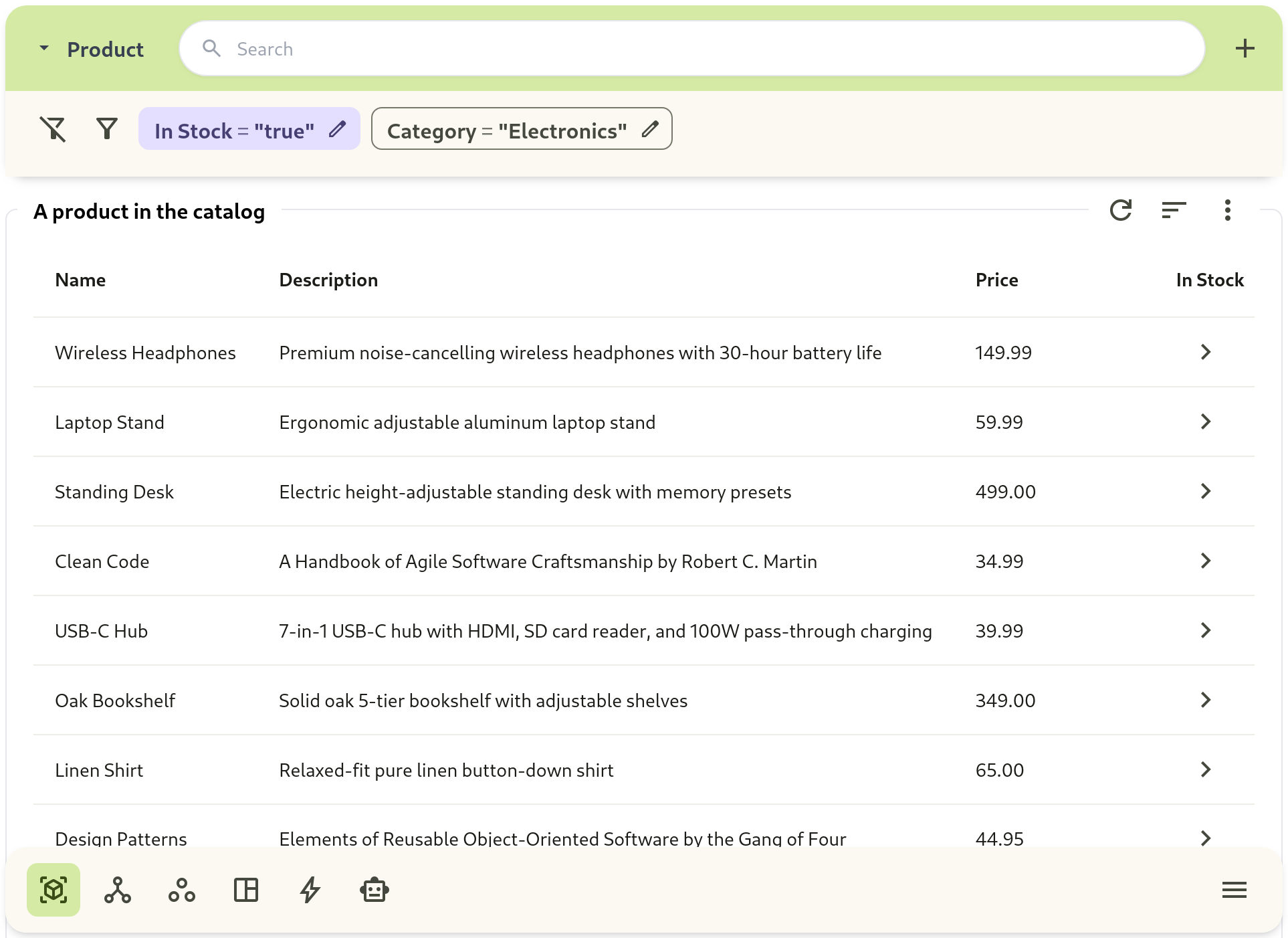
| Product | Title, Description, Price, Color, Size, Brand, In Stock |
Entities — The Records
Section titled “Entities — The Records”Entities are concrete records created from templates.
If your template is “Customer”, an entity would be a specific customer like “Jane Doe” with all her information filled in. If your template is “Product”, an entity would be “Blue Jeans, Size Medium” with its price, description, and stock status.
Examples
Section titled “Examples”| Template | Entity Examples |
|---|---|
| Book | ”Pride and Prejudice” by Jane Austen |
| Company | ”Google” |
| Support Ticket | ”Website login error” |
| Product | ”Blue Jeans, Size Medium” |
How They Work Together
Section titled “How They Work Together”Attribute (Name, Price, Category...) ↓ attached toTemplate (Product, Customer...) ↓ used to createEntity (SuperWidget, Alice...) └─ with Values (SuperWidget → $25.99, Electronics)- Create Attributes
- Build Templates
- Create and update Entities