Import and Export
Omnismith supports CSV import and export in entity template views.
Recommended CSV Workflow (Export First)
Section titled “Recommended CSV Workflow (Export First)”- Open a template entity list.
- Export CSV first (this works even when no entities exist).
- Open the exported file in Google Sheets, Excel, Numbers, or another spreadsheet app.
- Fill in rows under the exported headers.
- Save the file as CSV.
- Import the CSV back into Omnismith.
Why this works: exported CSV contains template attribute headers in the exact format expected by import.
Import Result Signals
Section titled “Import Result Signals”- Total rows
- Created
- Updated
- Skipped
- Failed
- Row-level errors
Export Workflow
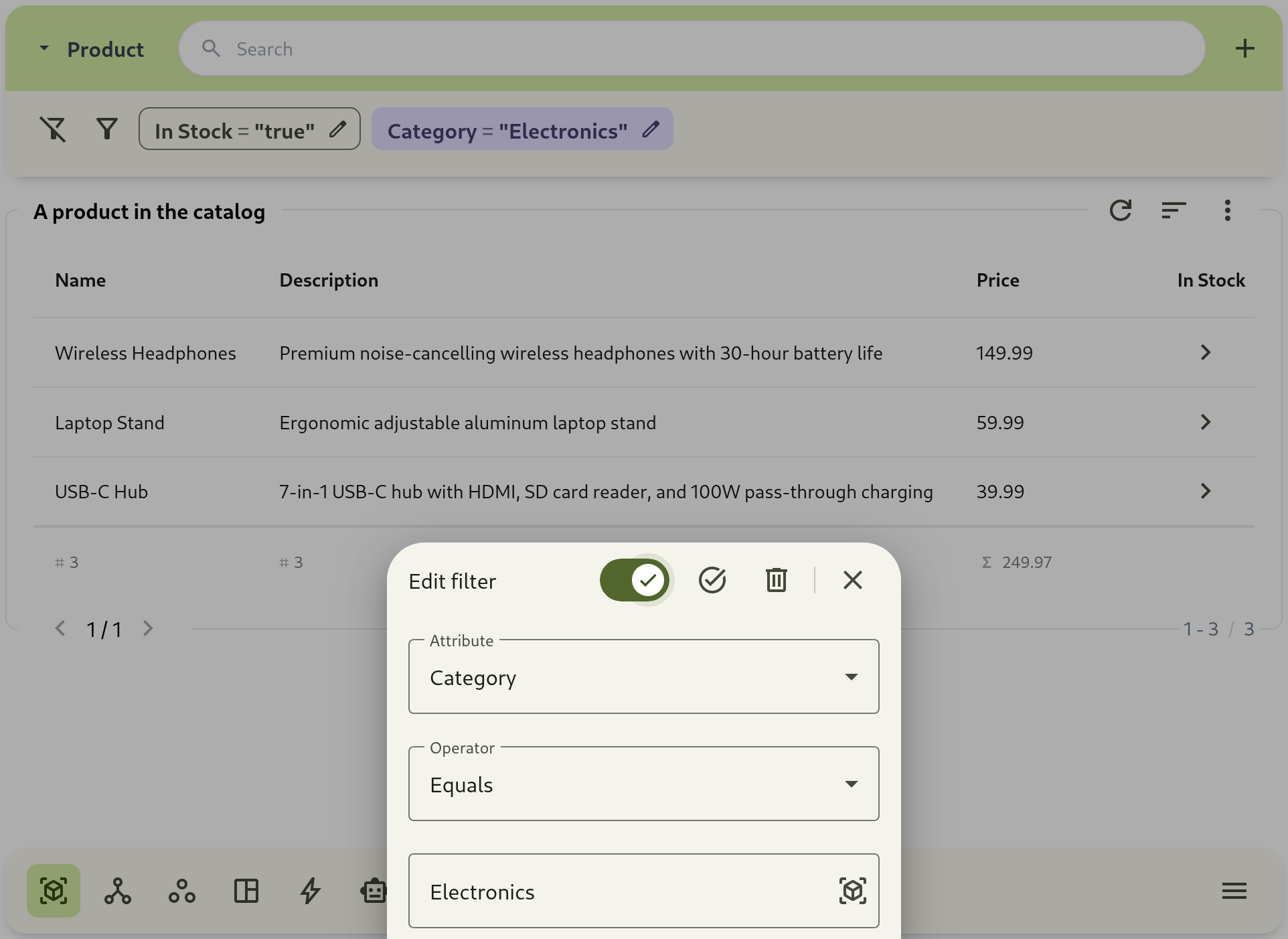
Section titled “Export Workflow”Export uses your current search, sort, and filter context.