Create and Edit Entities
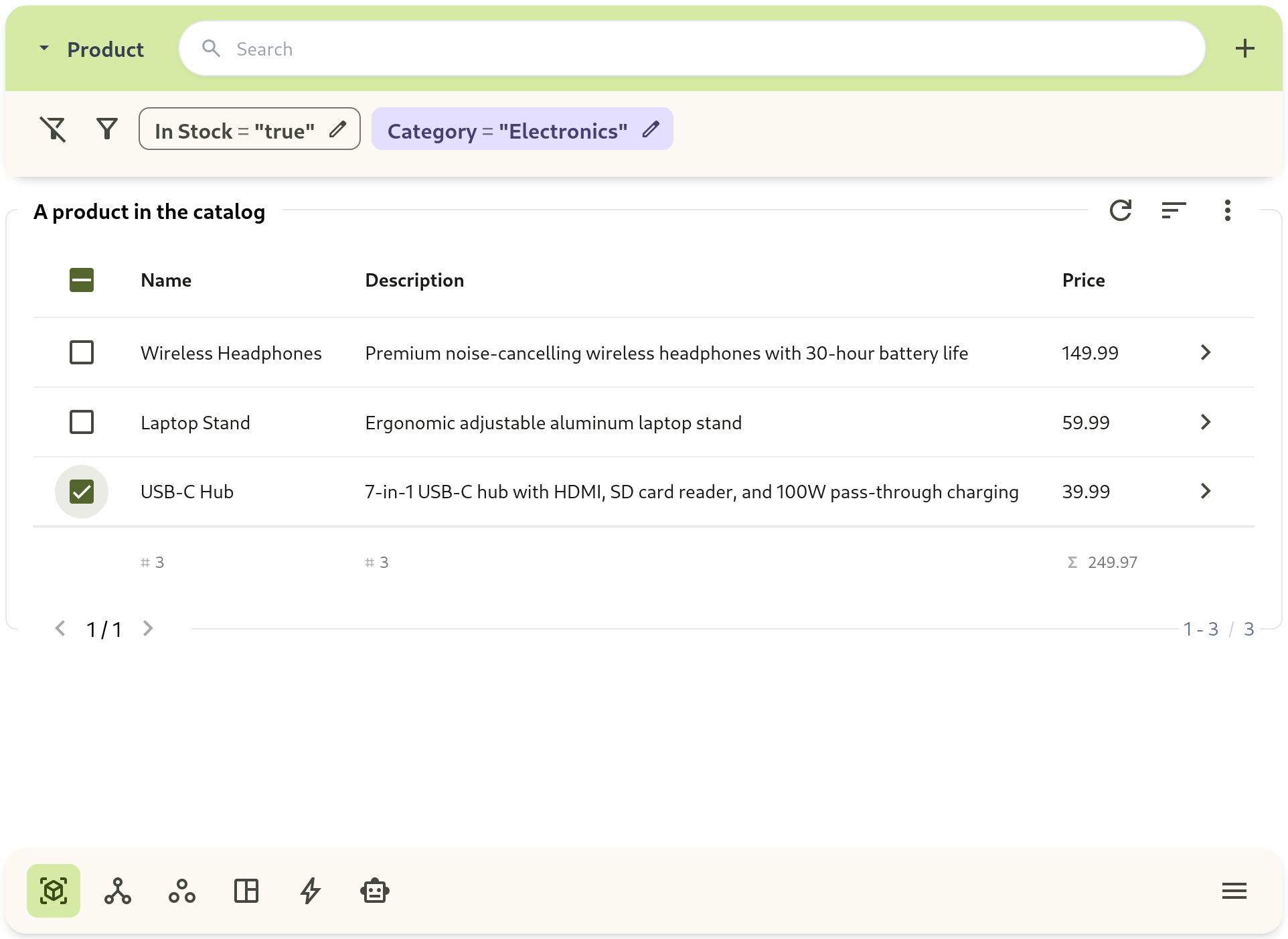
Entities are created from templates and edited in the entity details view.
Workflow
Section titled “Workflow”- Go to Entity Template Selector.
- Open a template.
- Create a new entity.
- Fill attribute values and save.
- Open the entity details tabs for deeper work.
Entity Detail Tabs
Section titled “Entity Detail Tabs”- Attributes: current values
- History: change log over time
- Chart: metric trend visualization